- The “Divider” is a visual element that helps separate content sections on a webpage. It is commonly used to create a clear distinction between different blocks of content, making the page layout more organized and visually appealing. Dividers can be lines, borders, or other decorative elements that help break up the content into logical sections.
Click the Divider section to open its settings:

On the right side of the page, you will see Divider – settings:
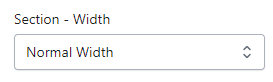
Section – Width
- Firstly, in the “Section – Width” part, you can customize the display width for your sections according to your preferences. Additionally, you have the option to change the background color for that particular section.
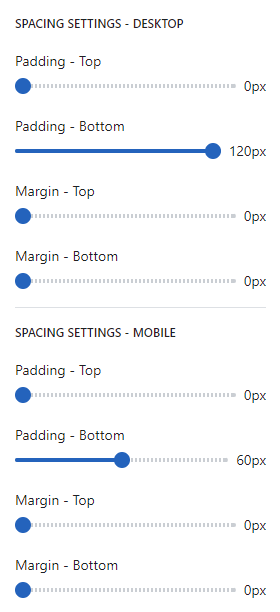
SPACING SETTINGS – DESKTOP
- Spacing settings for desktop refer to the customization options that allow you to control the spacing (margin and padding) between elements on your website’s desktop version. Adjusting the spacing can help improve the visual appeal and layout of your store, creating a more organized and aesthetically pleasing design.