- You can set up an email signup form to collect email addresses from visitors who want to subscribe to your store’s newsletter or receive updates and promotions. This helps you build a mailing list and stay in touch with potential customers, promoting your products and offers. Here’s how you can set up an email signup form in Shopify.
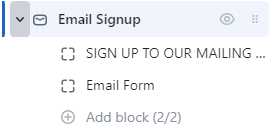
Click the Email Signup section to open its settings:
On the right side of the page, you will see Email Signup – settings:
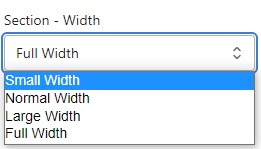
Section – Width
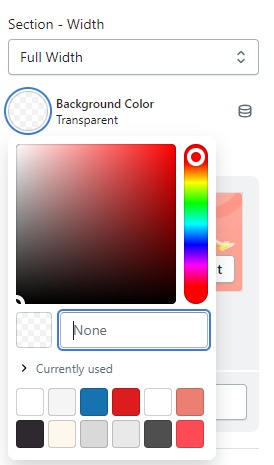
- Firstly, in the “Section – Width” part, you can customize the display width for your sections according to your preferences. Additionally, you have the option to change the background color for that particular section.
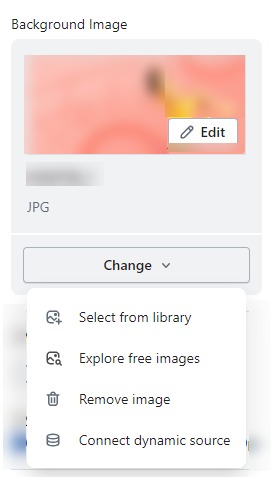
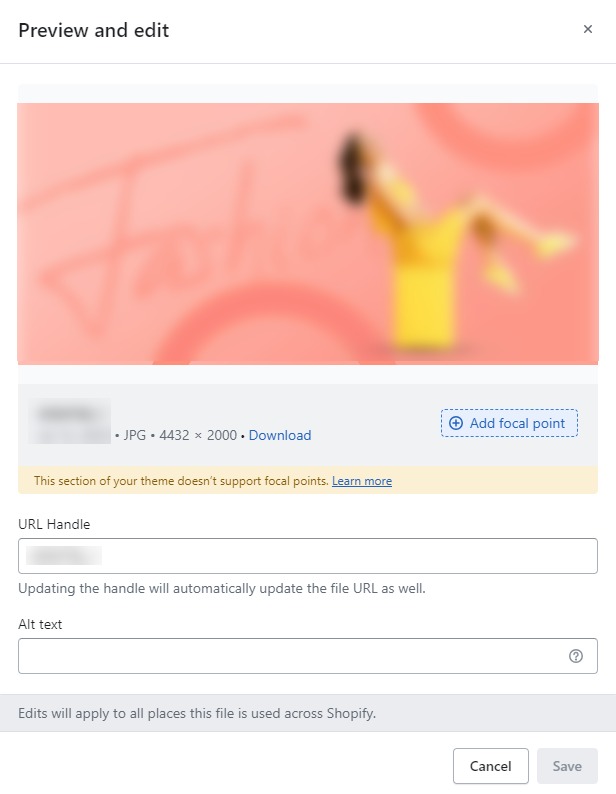
- Background Image : Next, in the “Background Image” section, you can upload an image and edit it according to your needs.
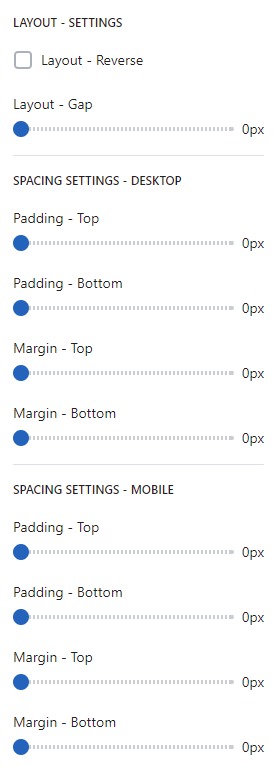
Layout – Setting
- Lastly, in the “Layout – Setting” section, you can customize the spacing as per your preferences by dragging the blue dots on the bar to adjust the spacing accordingly.