
- List collections are groups of products that share common attributes or categories. They help organize your products and make it easier for customers to browse and find what they are looking for.
Click the List Collections section to open its settings:
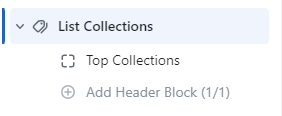
On the right side of the page, you will see List Collections – settings:
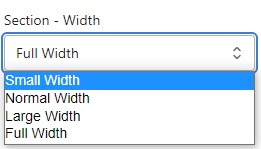
Section – Width
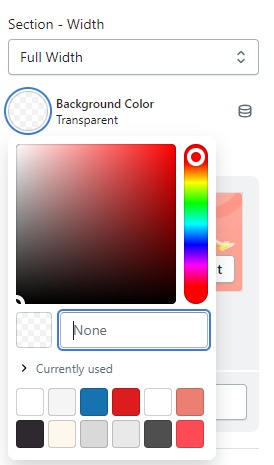
- Firstly, in the “Section – Width” part, you can customize the display width for your sections according to your preferences. Additionally, you have the option to change the background color for that particular section.
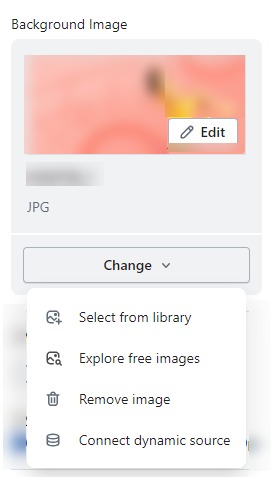
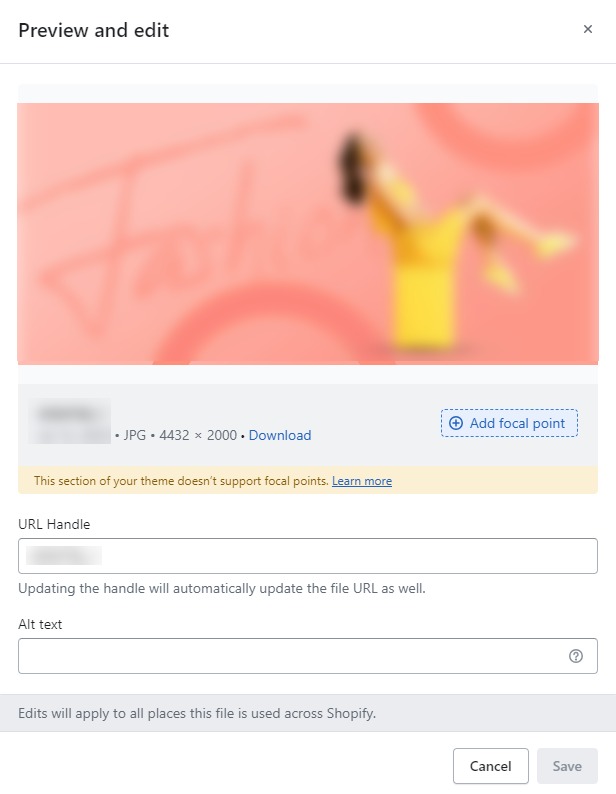
- Background Image : Next, in the “Background Image” section, you can upload an image and edit it according to your needs.
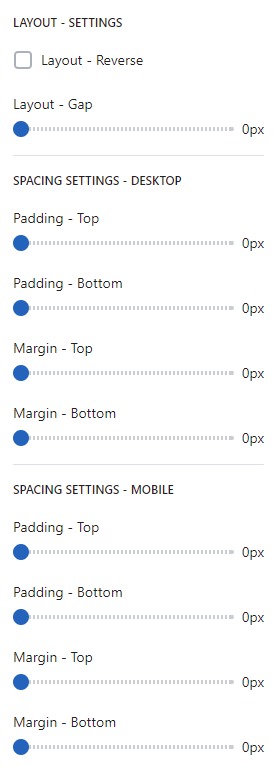
Layout – Setting
- Lastly, in the “Layout – Setting” section, you can customize the spacing as per your preferences by dragging the blue dots on the bar to adjust the spacing accordingly.
SECTION SETTINGS
- Collecttions : Click on “Select Collections.”You will see a list of all your collections on this page.To edit or manage a collection of you .
- Collections per page : the number of collections displayed per page on your online store can be controlled and customized.
- Use Carousel : On which device do you want to use the carousel (on mobile , on desktop , all screen) or No.
