- The “Main Page” is not a standard or specific feature of the platform. It is possible that it refers to different aspects of your Shopify store, depending on the context.
Click the Main Page section to open its settings:

On the right side of the page, you will see Main Page – settings:
Section – Width
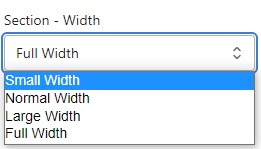
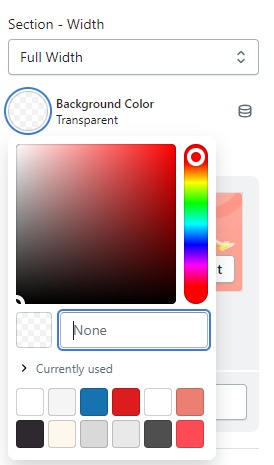
- Firstly, in the “Section – Width” part, you can customize the display width for your sections according to your preferences. Additionally, you have the option to change the background color for that particular section.
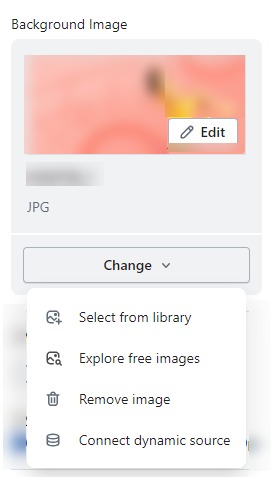
- Background Image : Next, in the “Background Image” section, you can upload an image and edit it according to your needs.
Layout – Setting
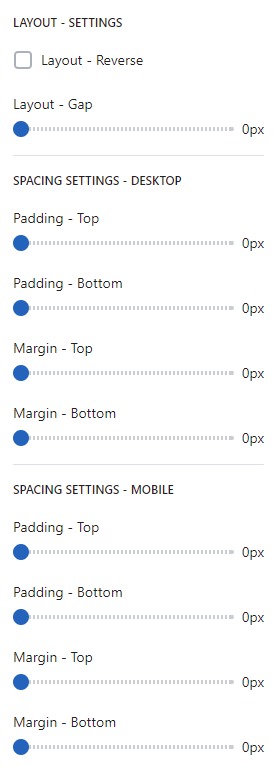
- Lastly, in the “Layout – Setting” section, you can customize the spacing as per your preferences by dragging the blue dots on the bar to adjust the spacing accordingly.