- Refers to creating product bundles or packages that consist of multiple individual products sold together as a single unit. Offering product packages can be a great way to encourage customers to purchase multiple items at once, increase average order value, and promote related or complementary products.
Click the Package Products section to open its settings:
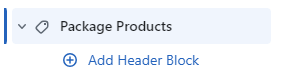
On the right side of the page, you will see Package Products – settings:
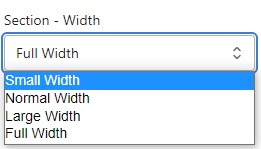
Section – Width
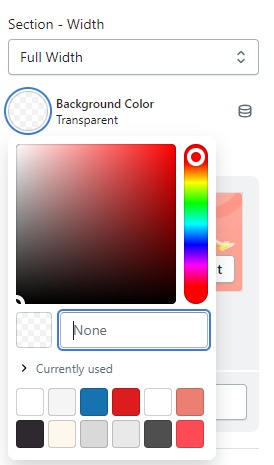
- Firstly, in the “Section – Width” part, you can customize the display width for your sections according to your preferences. Additionally, you have the option to change the background color for that particular section.
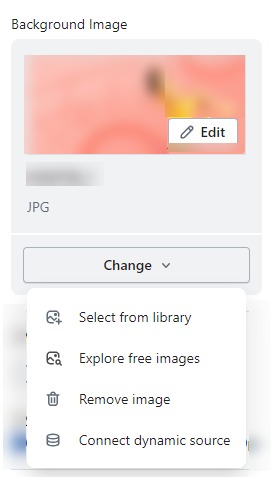
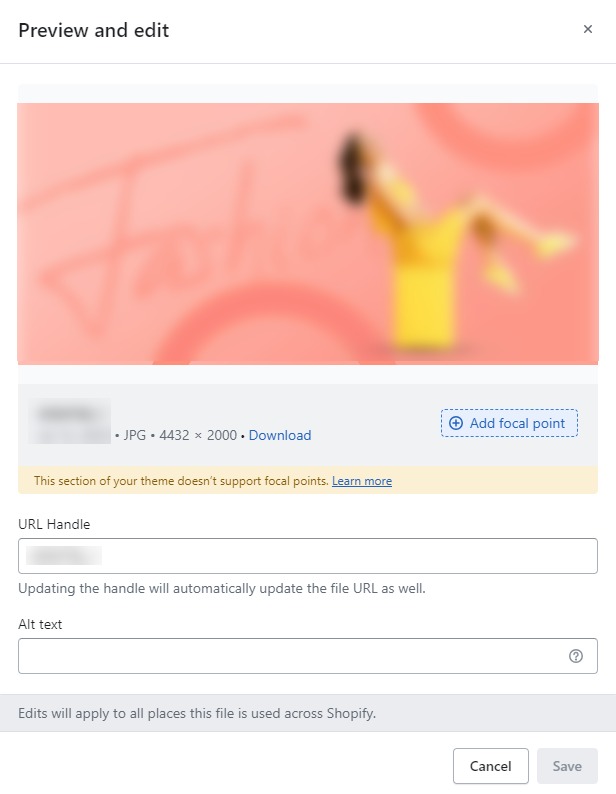
- Background Image : Next, in the “Background Image” section, you can upload an image and edit it according to your needs.
Layout – Setting
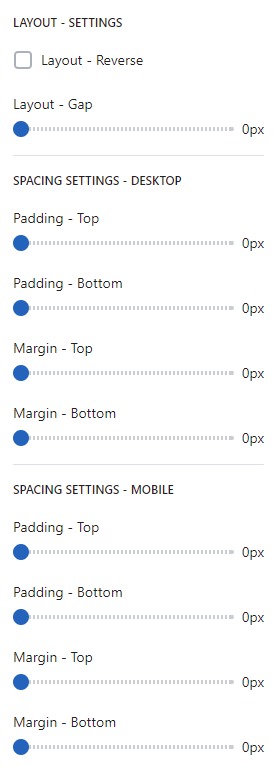
- Lastly, in the “Layout – Setting” section, you can customize the spacing as per your preferences by dragging the blue dots on the bar to adjust the spacing accordingly.
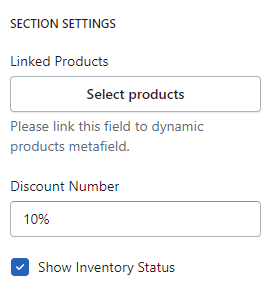
SECTION SETTINGS
- Linked Product : Decide which products you want to feature as sticky. These could be popular items, new arrivals, or products on sale—anything that you want to highlight to increase customer engagement and sales.
- Discount Number : To apply discounts to number package products.
- Show Inventory Status : Displaying inventory status on your product.