This Section will help you create video section on your page.
Click the Video section to open its settings:
On the right side of the page, you will see Video – settings:
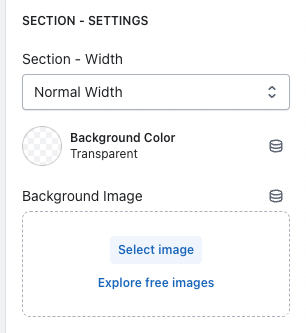
- Section Settings:
- Section Width : Change width of the section.
- Background Color: Change color of the section.
- Background Image: Image background for section.
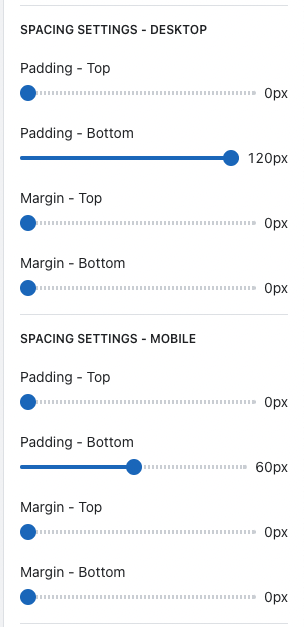
- Spacing Settings (Mobile and Desktop):
- These settings will adjust distance Video section with upper or lower section.
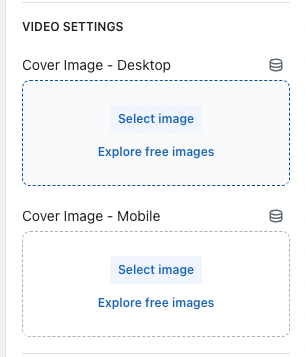
- Videos Settings:
- Cover Image – Desktop: Background image on desktop for video.
- Cover Image – Mobile: Background image on mobile for video.
-
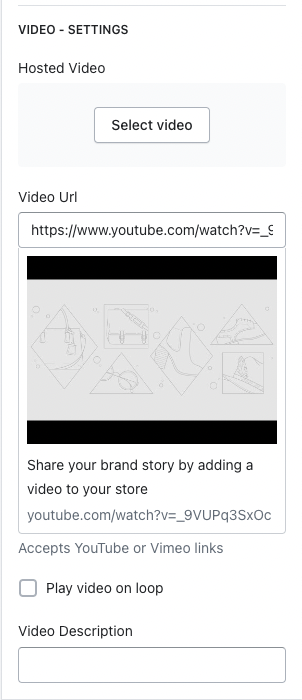
- Hosted Video: Upload video for this section.
-
- Play video on loop: Checked this box to keep video looping.
- Video Description: Add some short description to this video, this will help your page SEO.
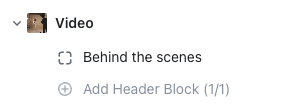
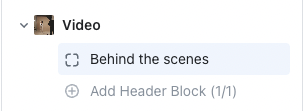
In side Video section is header block:
This block will help you create heading, sub heading and body content for you video.
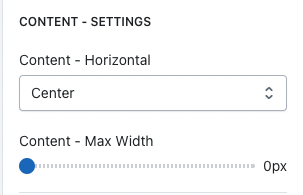
- Content – Settings:
- Content – Horizontal: This will help you adjust position of this block.
- Content – Max Width: Max width of this block.
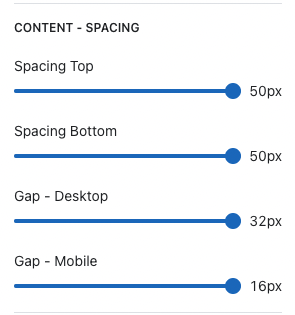
- Content – Spacing:
- Spacing (Top, Bottom): This will help you adjust spacing of this block with upper and lower.
- Gap (Desktop, Mobile): This will help you create gap between Title, Subtitle and Content.
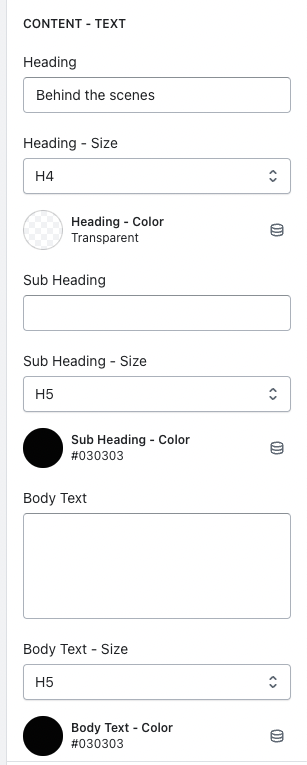
- Content – Text:
- Heading: Your heading.
- Heading – Size: Change heading font-size.
- Heading – Color: Change your heading color.
-
- Body Text: Your body content
-