
Learn how to setup navigation for a Shopify store.
In the QDN theme, we specify points to apply style in our navigation:
- Apply menu item with the bottom line when entering menu item name with this format: menu item name ** (only apply for header menu).
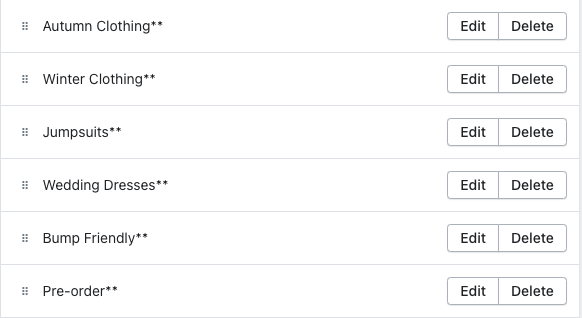
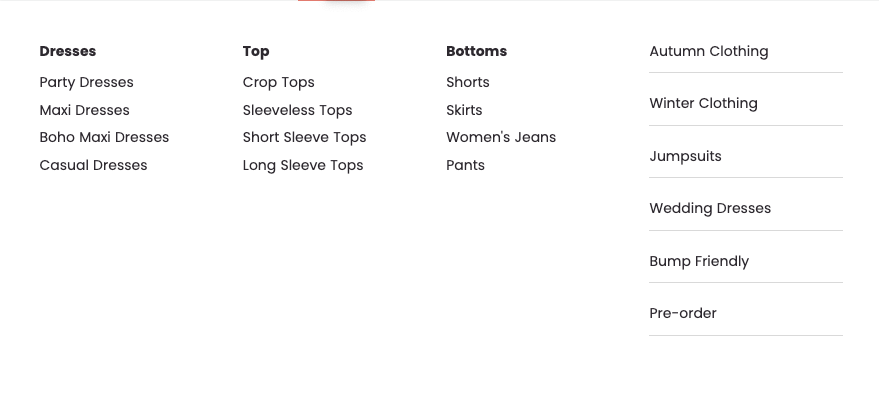
- Render a small image at the bottom of the menu item (only applies for menu item level 2 in the header menu).
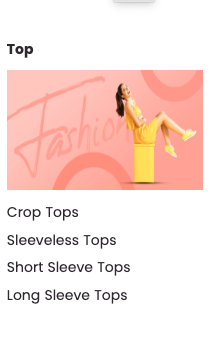
How to setup:- Choose image which you want to render and upload it into File (Content > File).
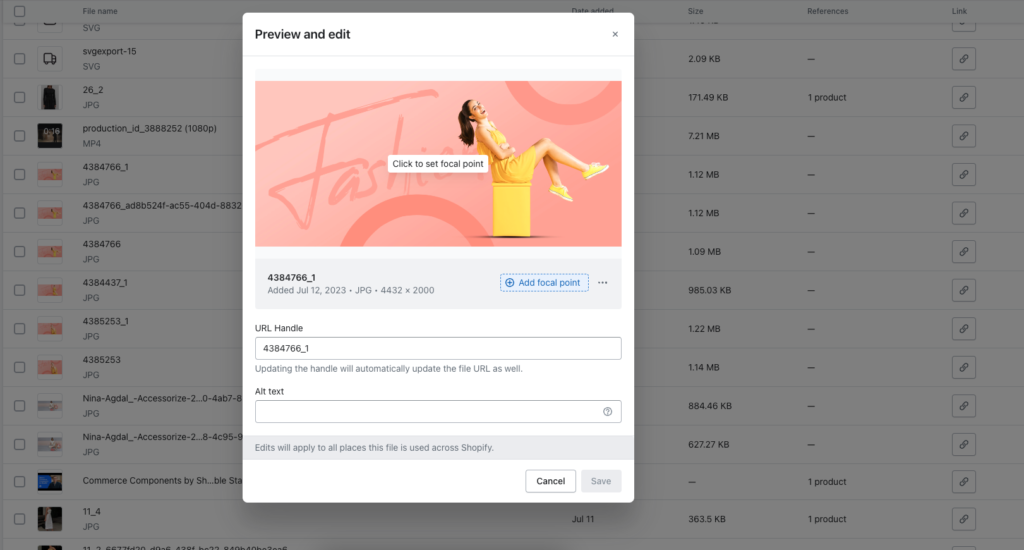
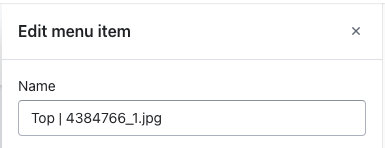
- In the navigation menu, enter the menu item name with format menu_item_name | image_name.extension_name (ex: Top | 4384766_1.jpg).
- Choose image which you want to render and upload it into File (Content > File).