- The “Blog Featured” typically refers to a section in the blog layout that highlights specific blog posts as featured content. Featured blog posts are showcased prominently on the blog’s homepage or other relevant pages, allowing you to draw attention to important or popular articles.
Click the Blog Featured section to open its settings:
On the right side of the page, you will see Blog Featured – settings:
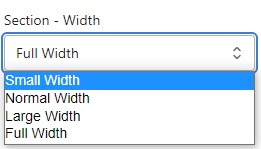
Section – Width
- Firstly, in the “Section – Width” part, you can customize the display width for your sections according to your preferences. Additionally, you have the option to change the background color for that particular section.
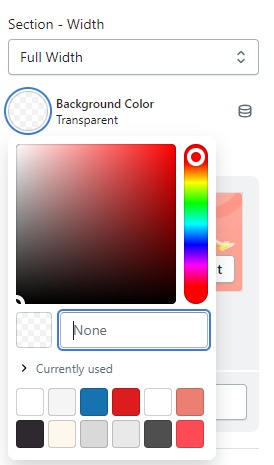
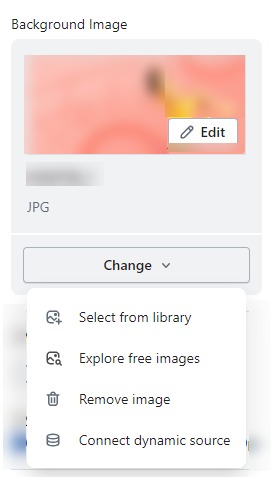
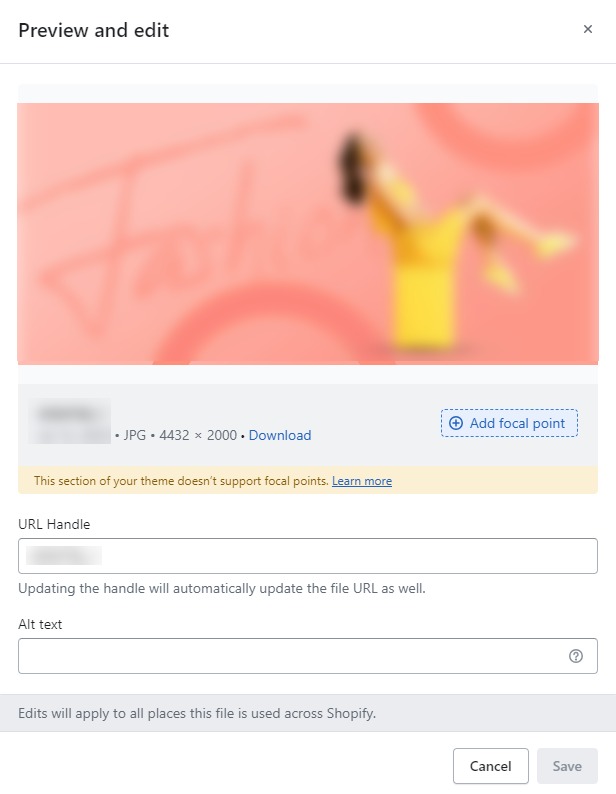
- Background Image : Next, in the “Background Image” section, you can upload an image and edit it according to your needs.
Layout – Setting
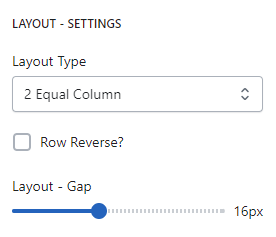
- Layout Type : generally refers to the structure and design of a specific page template within your online store.
- Row Reverse : Invert the layout
- Layout-Gap : you can customize the spacing as per your preferences by dragging the blue dots on the bar to adjust the spacing accordingly.
SPACING SETTINGS – DESKTOP AND MOBILE
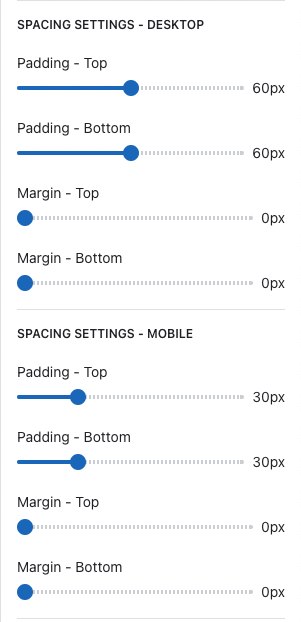
- Spacing settings for desktop refer to the customization options that allow you to control the spacing (margin and padding) between elements on your website’s desktop version. Adjusting the spacing can help improve the visual appeal and layout of your store, creating a more organized and aesthetically pleasing design.
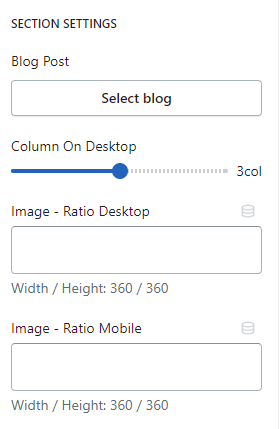
SECTION SETTINGS
- Blog Post : You can feature specific blog posts on your blog’s homepage or other relevant pages to draw attention to important or popular articles.
- Column On Desktop : You can customize the spacing as per your preferences by dragging the blue dots on the bar to adjust the spacing accordingly.
- Image – Radio Desktop and Mobile : This will allow users to select featured blog posts using radio buttons and display the corresponding image alongside the selected blog post.