- Breadcrumbs in Shopify are a navigation aid that helps users understand their current location within your online store. They display a hierarchical trail of links that show the path a visitor took to arrive at their current page. Breadcrumbs typically appear near the top of a page and are especially useful for larger online stores with multiple levels of categories and subcategories.
Click the Breadcrumbs section to open its settings:

On the right side of the page, you will see Breadcrumbs – settings:
Section – Width
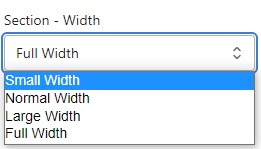
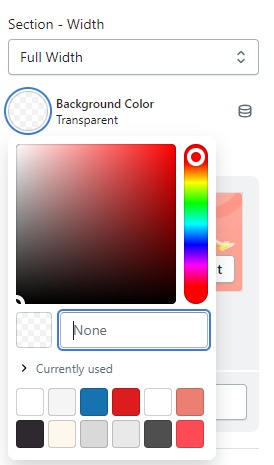
- Firstly, in the “Section – Width” part, you can customize the display width for your sections according to your preferences. Additionally, you have the option to change the background color for that particular section.
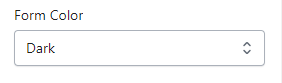
- Form Color : To change the form color Light and Dark
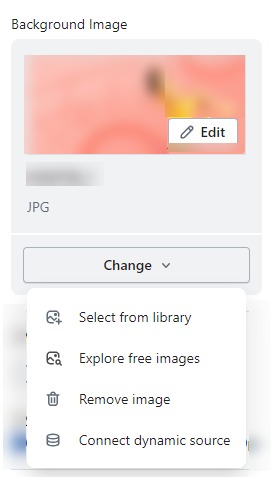
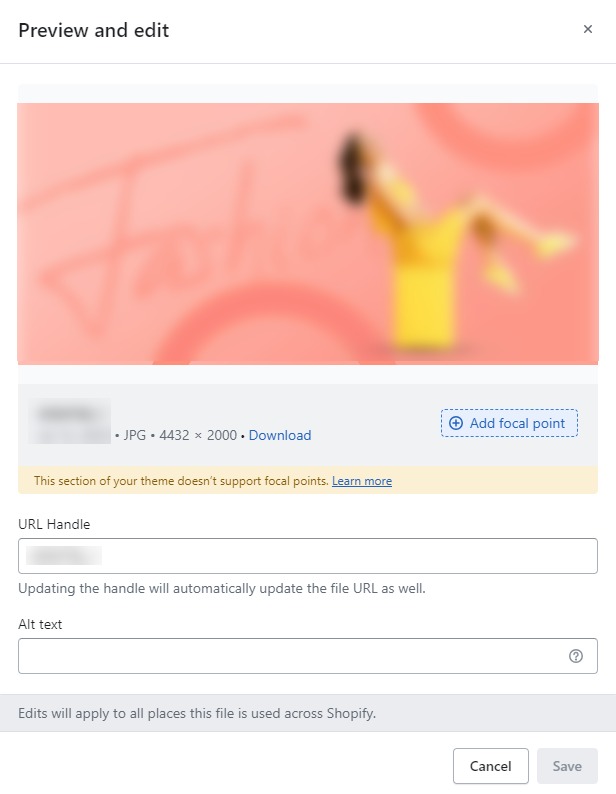
- Background Image : Next, in the “Background Image” section, you can upload an image and edit it according to your needs.
Layout – Setting
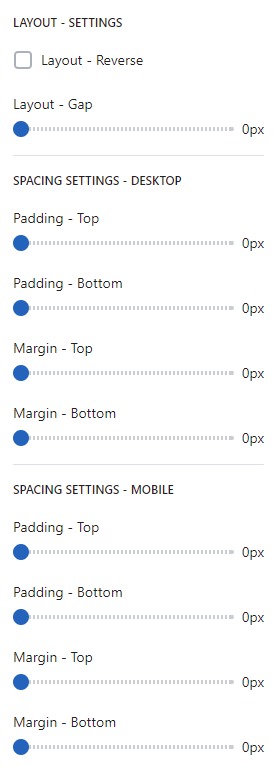
- Lastly, in the “Layout – Setting” section, you can customize the spacing as per your preferences by dragging the blue dots on the bar to adjust the spacing accordingly.