- The “CMS 3 Columns” typically refers to a custom layout that organizes content into three columns using a Content Management System (CMS) like Shopify’s built-in rich text editor. This allows you to create and manage content with text, images, and other media in a structured format across your online store.
Click the CMS 3 Columns section to open its settings:
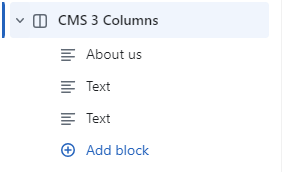
On the right side of the page, you will see CMS 3 Columns – settings:
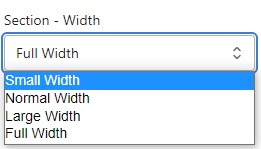
Section – Width
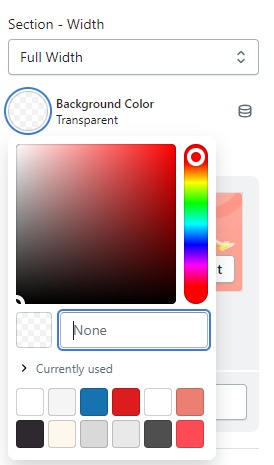
- Firstly, in the “Section – Width” part, you can customize the display width for your sections according to your preferences. Additionally, you have the option to change the background color for that particular section.
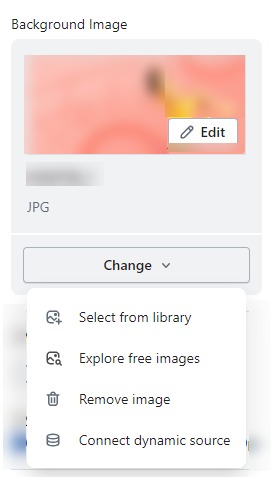
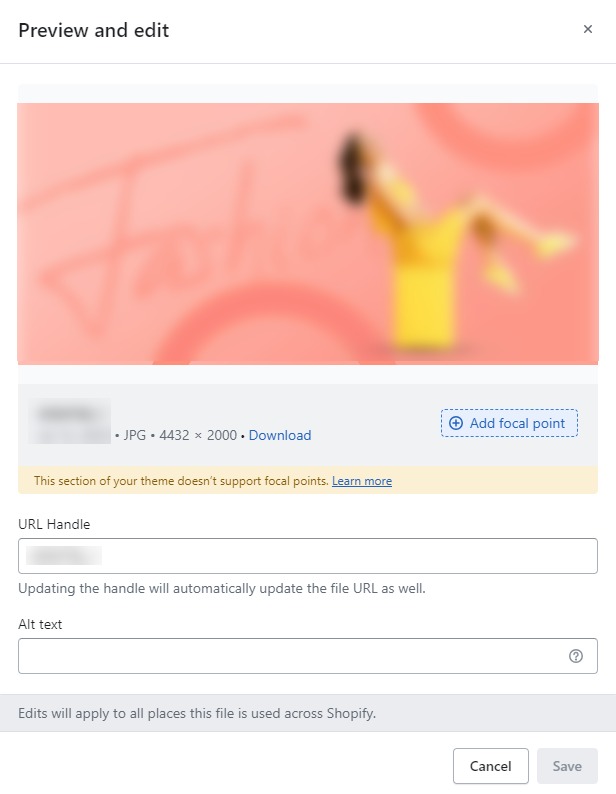
- Background Image : Next, in the “Background Image” section, you can upload an image and edit it according to your needs.
Layout – Setting
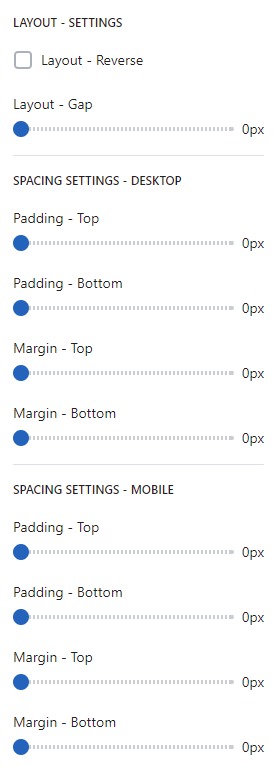
- Lastly, in the “Layout – Setting” section, you can customize the spacing as per your preferences by dragging the blue dots on the bar to adjust the spacing accordingly.