- A contact form is a user input form that allows website or app users to type information that is viewable by the website or apps operators.A website form that a person can use to send information to the business or individual who runs that website.It’s like sending an email, but instead of using an email program, you just fill in the message on the website directly.
Click the Contact Form section to open its settings:
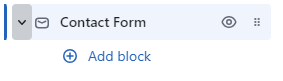
On the right side of the page, you will see Contact Form – settings:
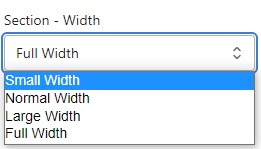
Section – Width
- Firstly, in the “Section – Width” part, you can customize the display width for your sections according to your preferences. Additionally, you have the option to change the background color for that particular section.
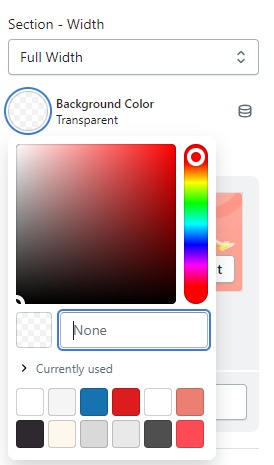
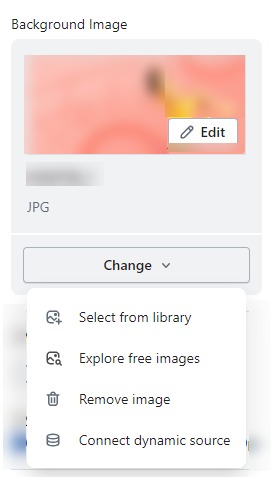
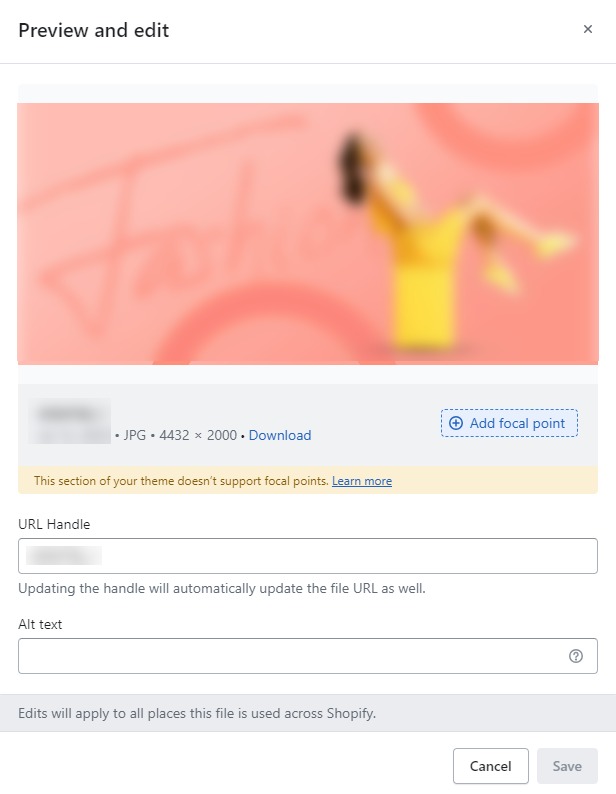
- Background Image : Next, in the “Background Image” section, you can upload an image and edit it according to your needs.
Layout – Setting
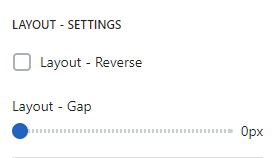
- Row Reverse : Invert the layout .
- Layout-Gap : you can customize the spacing as per your preferences by dragging the blue dots on the bar to adjust the spacing accordingly.
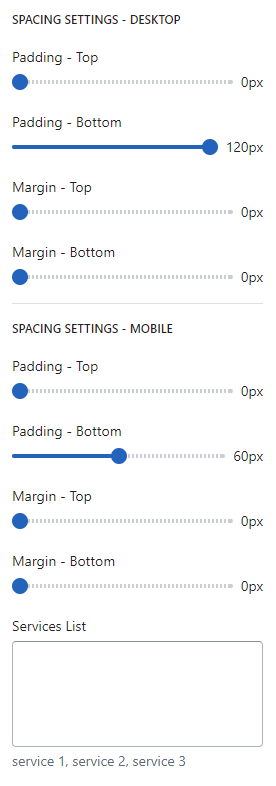
SPACING SETTINGS – DESKTOP
- Spacing settings for desktop refer to the customization options that allow you to control the spacing (margin and padding) between elements on your website’s desktop version. Adjusting the spacing can help improve the visual appeal and layout of your store, creating a more organized and aesthetically pleasing design.
- Services List : To create a “Services List” page with a contact form.