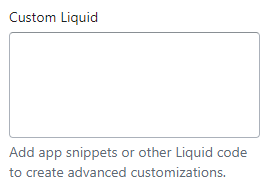
- These are areas where you can use HTML, CSS, Javascript, and Shopify Liquid to output any kind of feature or design you want.
Click the Custom Liqid section to open its settings:

On the right side of the page, you will see Custom Liqid – settings:
Custom Liquid
- Click on Custom Liquid “Edit code” for the theme you want to customize.
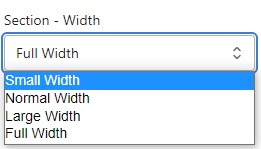
Section – Width
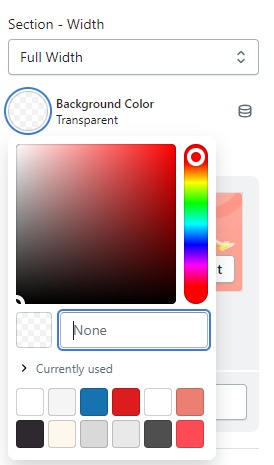
- Firstly, in the “Section – Width” part, you can customize the display width for your sections according to your preferences. Additionally, you have the option to change the background color for that particular section.
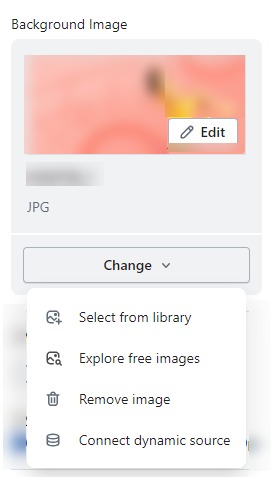
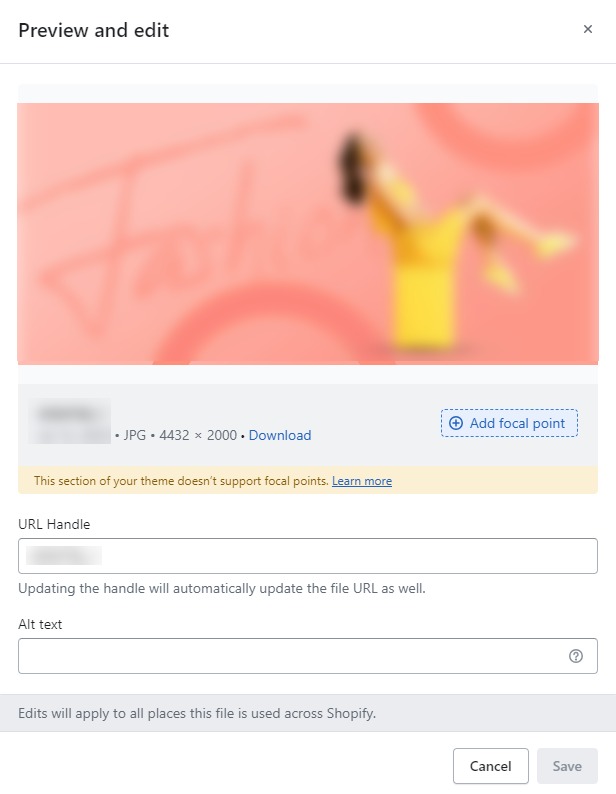
- Background Image : Next, in the “Background Image” section, you can upload an image and edit it according to your needs.
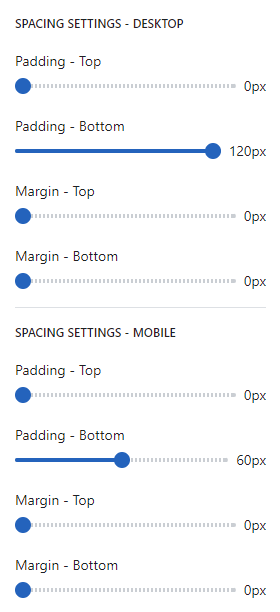
SPACING SETTINGS – DESKTOP
- Spacing settings for desktop refer to the customization options that allow you to control the spacing (margin and padding) between elements on your website’s desktop version. Adjusting the spacing can help improve the visual appeal and layout of your store, creating a more organized and aesthetically pleasing design.