- Decide on the common questions and answers you want to include in your FAQ page. Consider questions related to your products, shipping, returns, payment options, and any other relevant topics that customers often inquire about.
Click the FAQ section to open its settings:
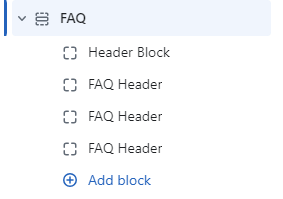
On the right side of the page, you will see FAQ – settings:
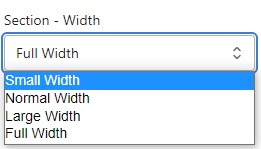
Section – Width
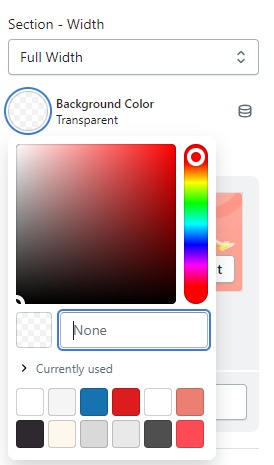
- Firstly, in the “Section – Width” part, you can customize the display width for your sections according to your preferences. Additionally, you have the option to change the background color for that particular section.
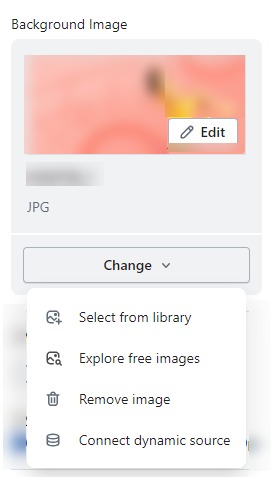
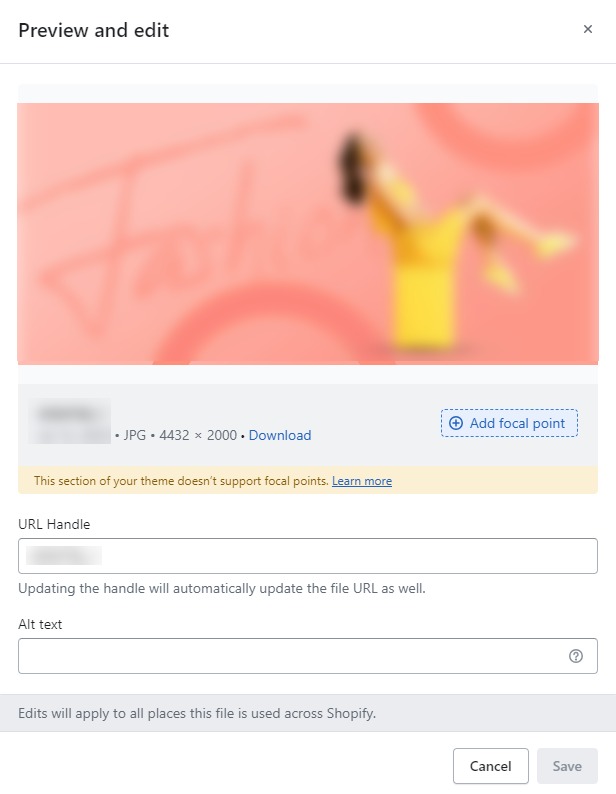
- Background Image : Next, in the “Background Image” section, you can upload an image and edit it according to your needs.
Layout – Setting
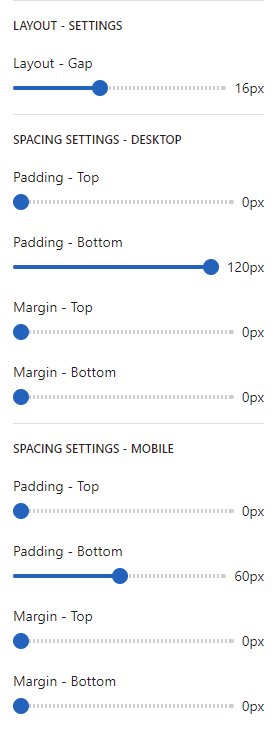
- Lastly, in the “Layout – Setting” section, you can customize the spacing as per your preferences by dragging the blue dots on the bar to adjust the spacing accordingly.