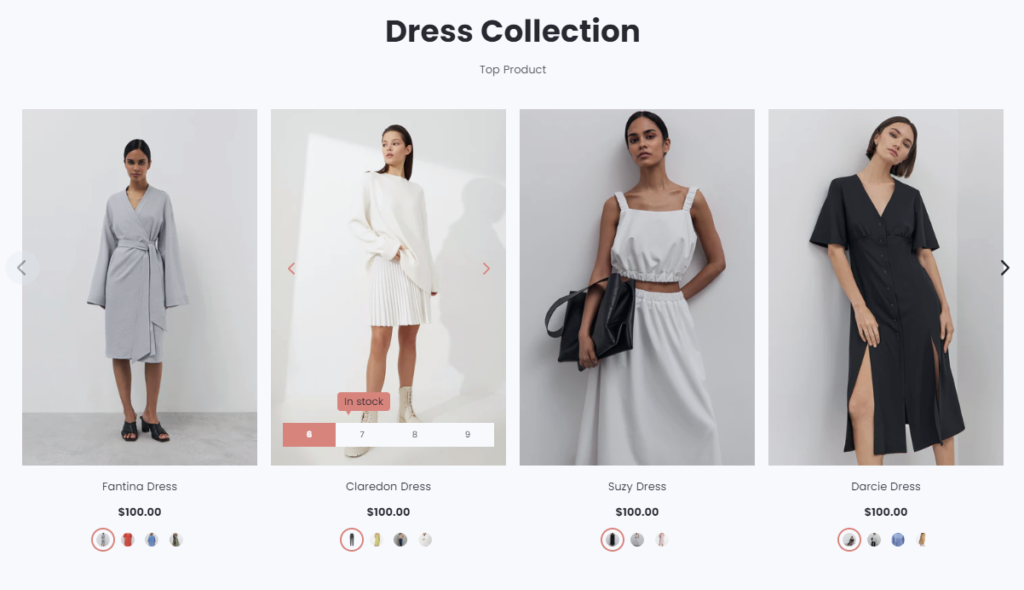
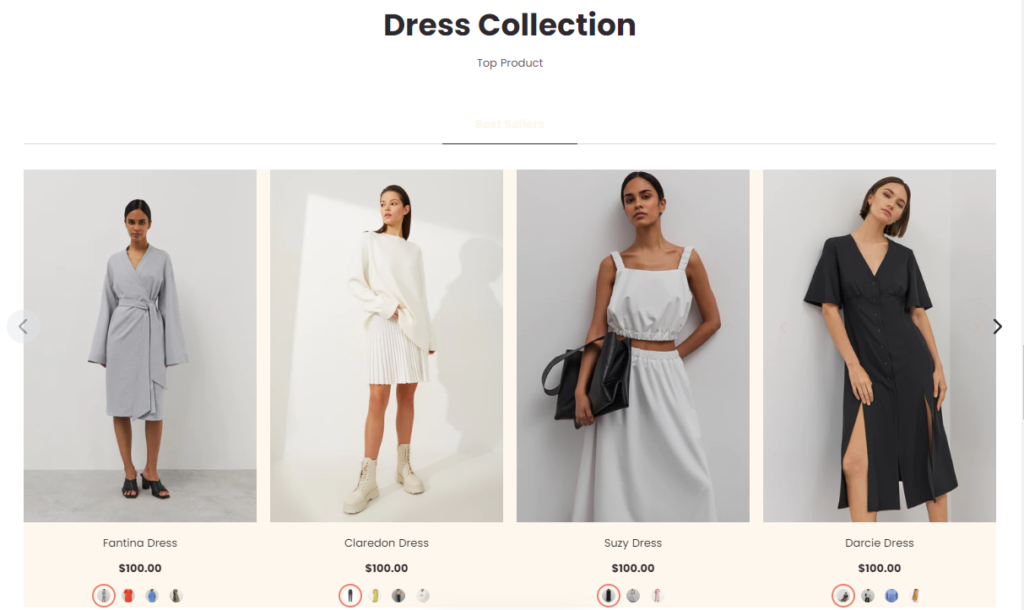
- The Collection page displays all of the products included in a collection. Create collections in the Products admin, then use the theme editor to show collection image, show description, enable filtering, and adjust the layout for the collection pages.
Click the Featured Collection section to open its settings:
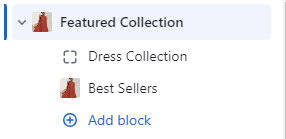
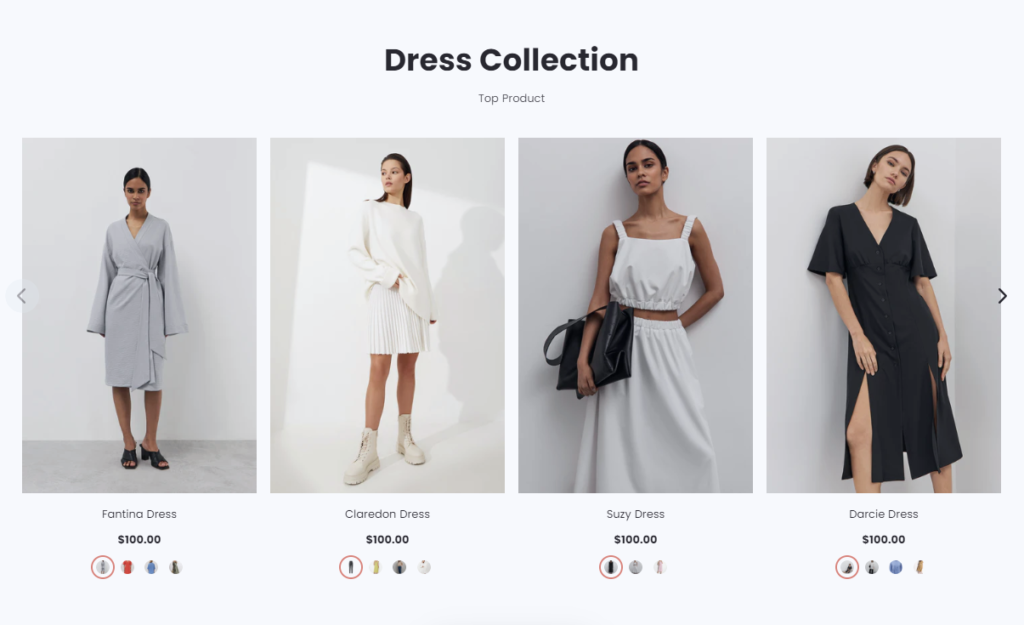
On the right side of the page, you will see Featured Collection – settings:
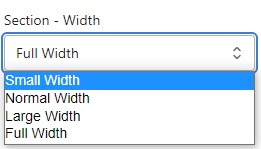
Section – Width
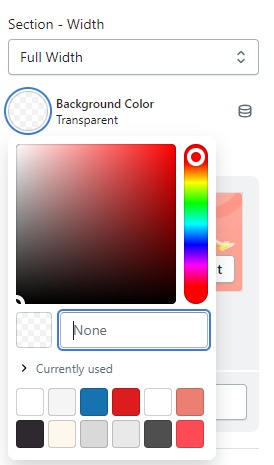
- Firstly, in the “Section – Width” part, you can customize the display width for your sections according to your preferences. Additionally, you have the option to change the background color for that particular section.
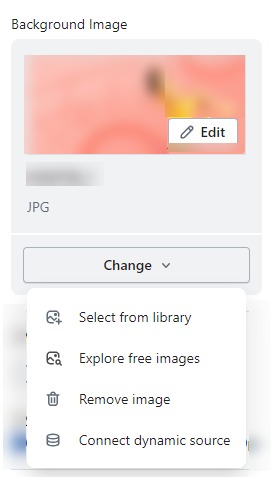
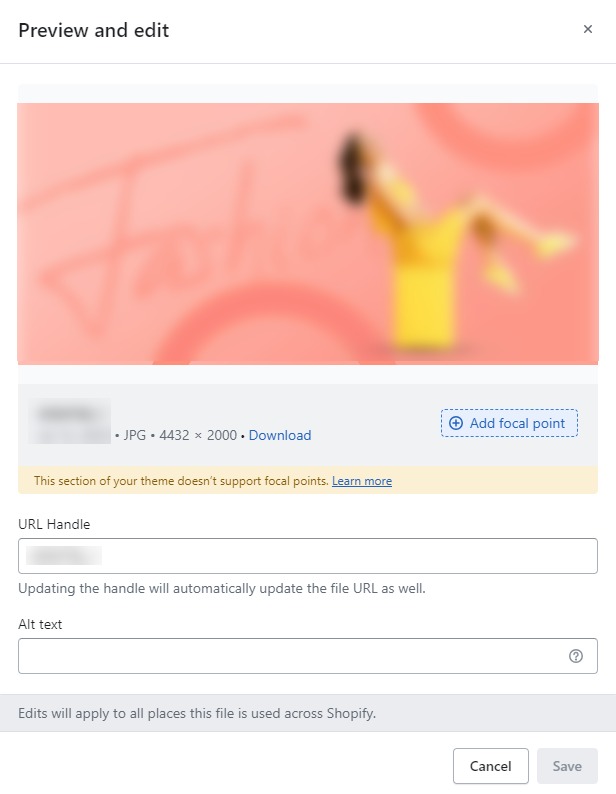
- Background Image : Next, in the “Background Image” section, you can upload an image and edit it according to your needs.
SECTION SETTINGS
- Customize your Featured Collection by selecting SECTION SETTINGin the right sidebar and then clicking options to edit.

- Use Carousel : Here we can customize the display mode of the carousel that we want on Mobile or on Desktop.
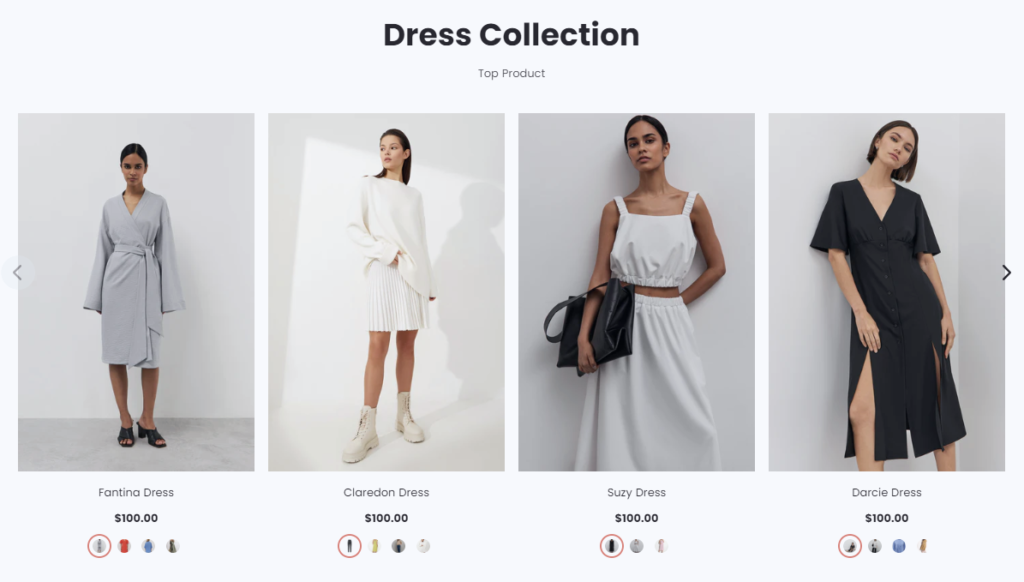
- Show Header Tabs : When click Show Header Tabs we will get a header tabs bar at the top.
- Show Inventory Status : It only works when i click Show Inventory Status.