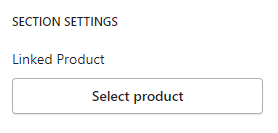
- Typically refers to a specific product or a set of products that are strategically highlighted and remain fixed or “sticky” on a webpage as the user scrolls down the page. This helps draw attention to the selected products, increasing their visibility and potentially leading to higher conversions.
Click the Sticky Product section to open its settings:

On the right side of the page, you will see Sticky Product – settings:
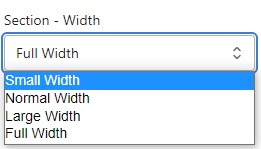
Section – Width
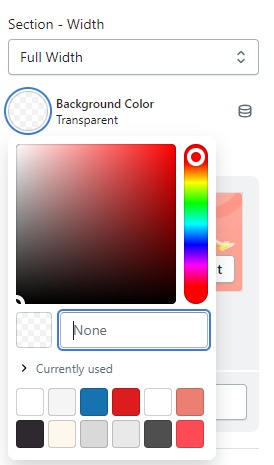
- Firstly, in the “Section – Width” part, you can customize the display width for your sections according to your preferences. Additionally, you have the option to change the background color for that particular section.
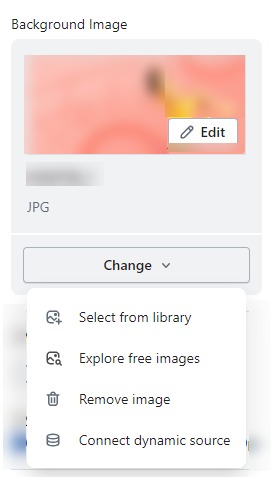
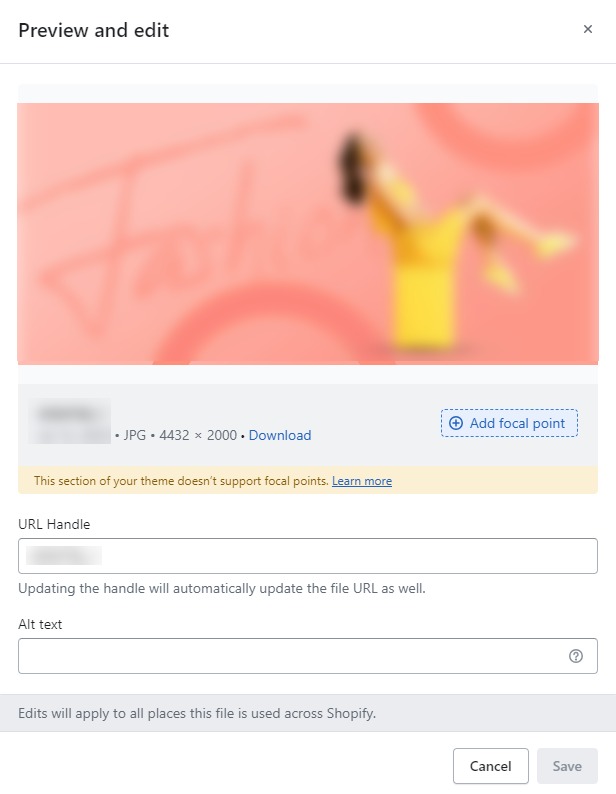
- Background Image : Next, in the “Background Image” section, you can upload an image and edit it according to your needs.
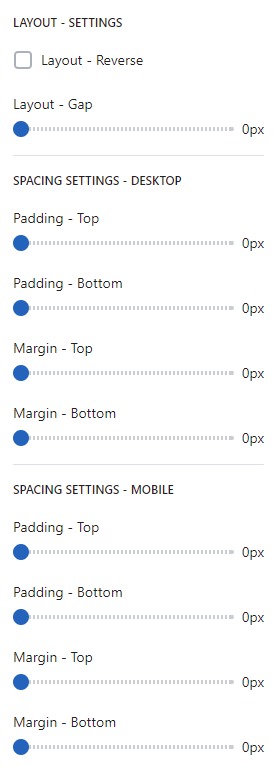
Layout – Setting
- Lastly, in the “Layout – Setting” section, you can customize the spacing as per your preferences by dragging the blue dots on the bar to adjust the spacing accordingly.
SECTION SETTINGS
- Decide which products you want to feature as sticky. These could be popular items, new arrivals, or products on sale—anything that you want to highlight to increase customer engagement and sales.