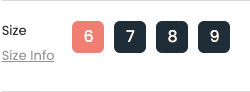
1. Swatches Settings
In QDN Theme, we provide two types of option styles: default style and swatch style (attached with an image).
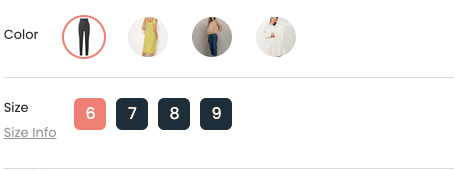
With swatch style, you have two options to show image in each option:
- Color: This option will apply the color or image settings in the Color Swatches Section.
- Image: This option will find the first image of product images that has an alt match for this format: color + option name (ex: color-red, color-black, etc).
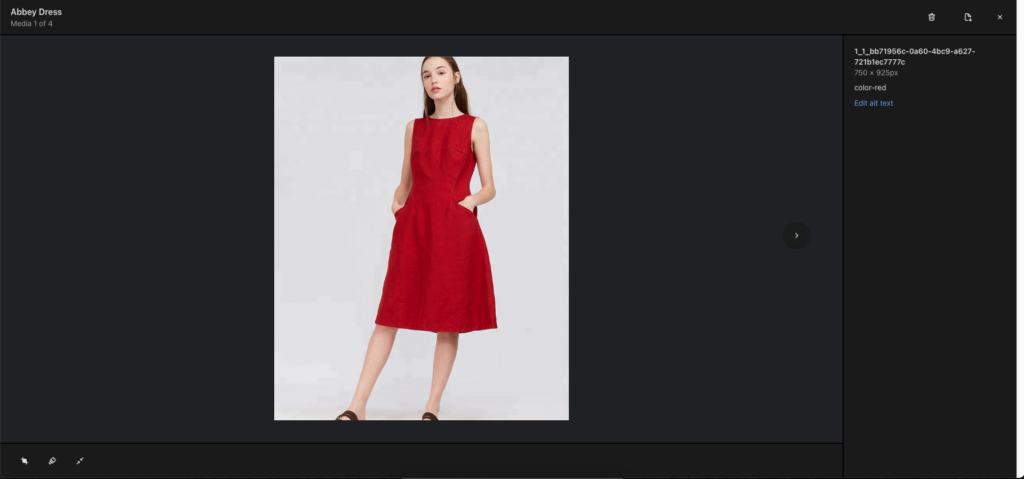
2. Guide Information
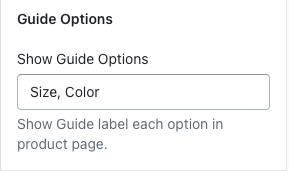
This options allow you add a popup to show additional information about option in product page.
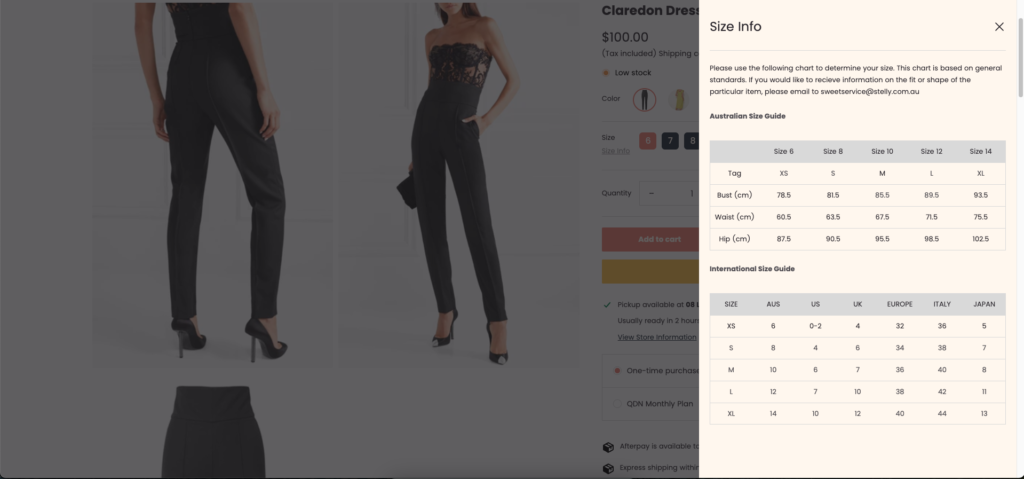
How to setup to show guide information:
- Add option names which you want to show guide information in Guide option
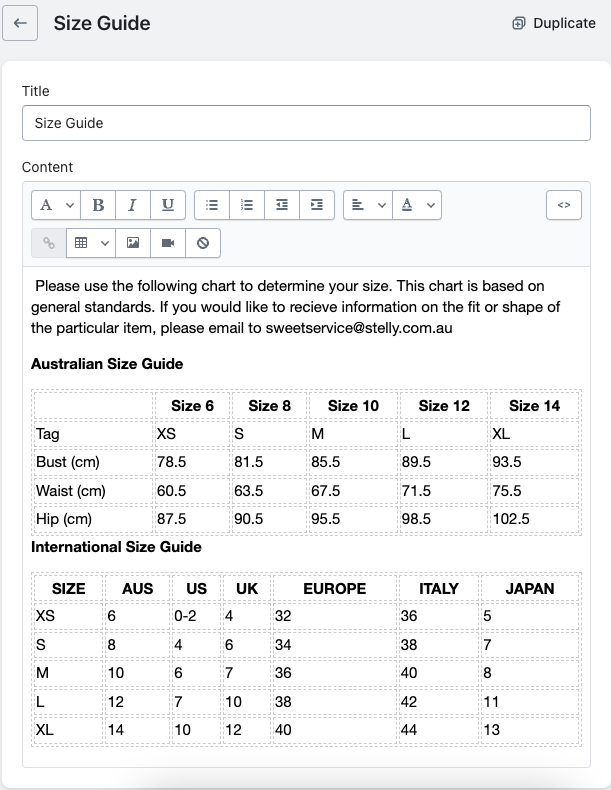
- For each guide option, you must create a page with name follow this format option name + guide (ex: Size Guide, Color Guide, etc)
- In product page which has option with name in Show guide opitons