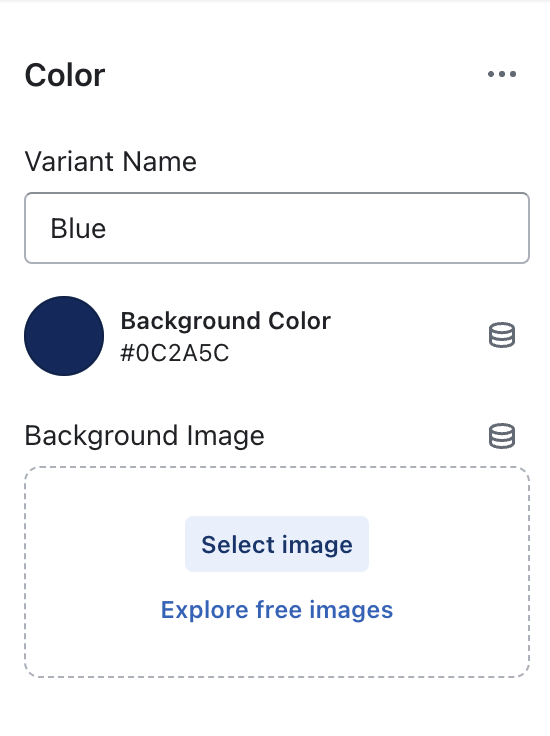
This Color Swatch section allows merchants to apply an image or color for the color swatch option on the product cards, product pages and collection pages.

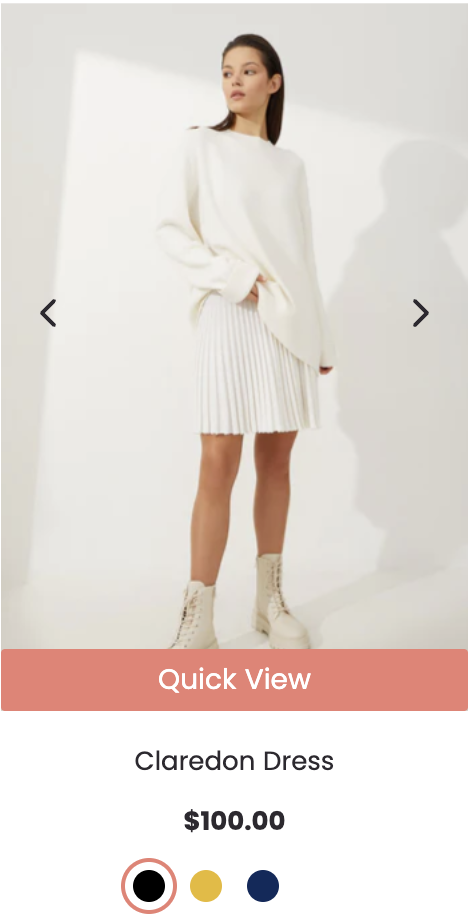
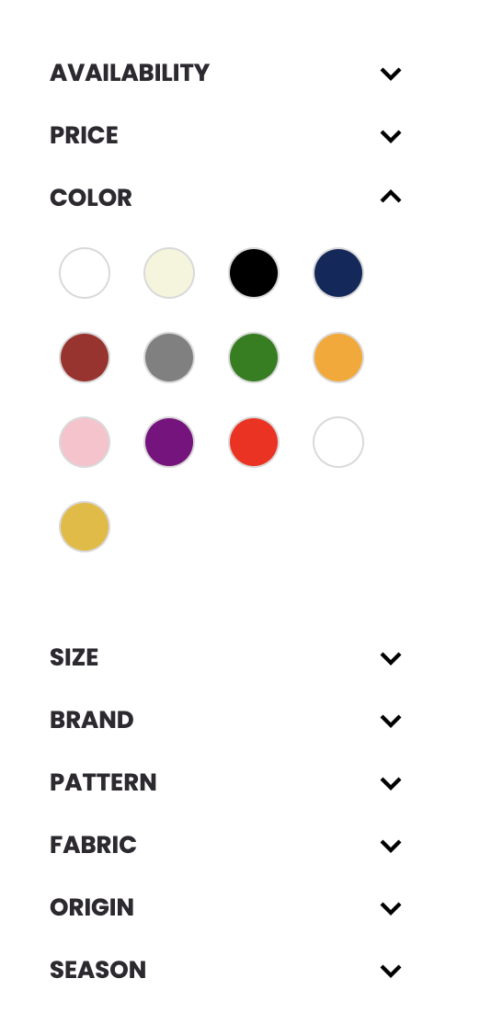
How to setup color:
- In Color Swatch settings, select the option Color Swatch for Option Style to which you want to apply swatch settings.
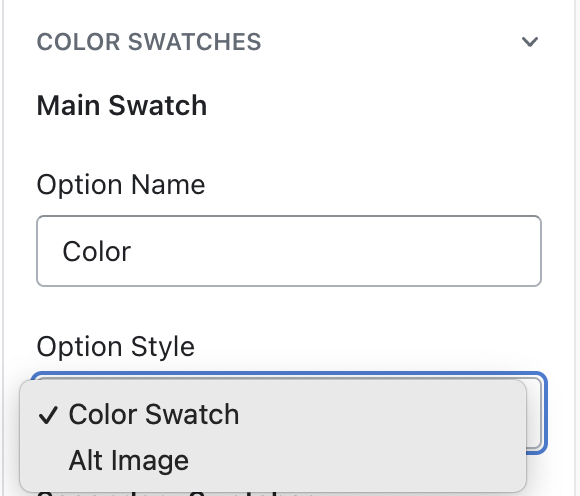
- In Color Swatch section, add color block.
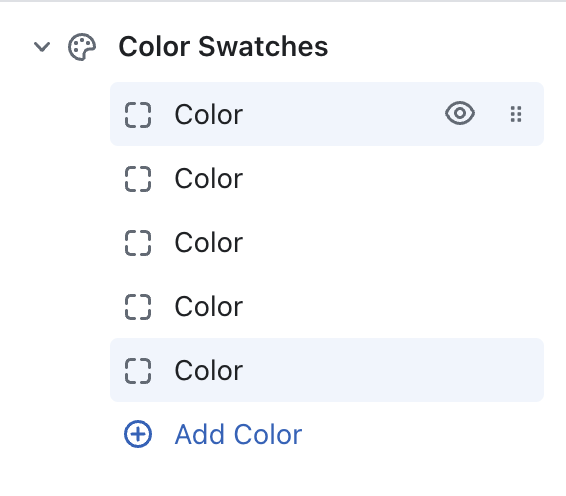
- In Color block settings, enter option name you want to apply style and select color or image for this option.