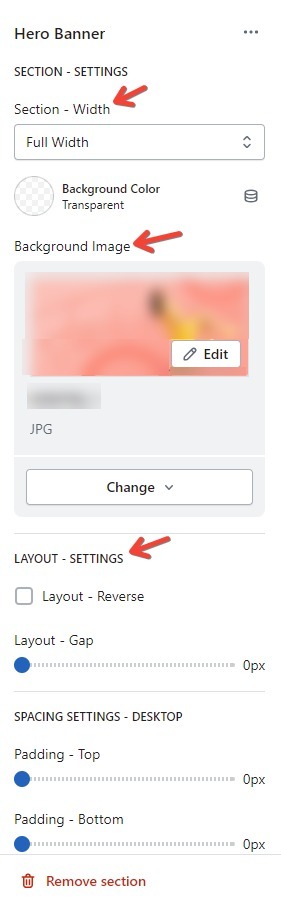
When working with your Shopify store’s theme, every section you customize on a page requires basic settings. Specifically, there are three parts located in the right-hand sidebar of your Shopify theme editor, including Section – Width; Background Image, and Background Color.
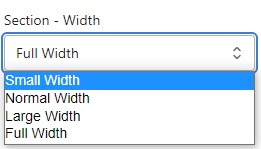
Section – Width
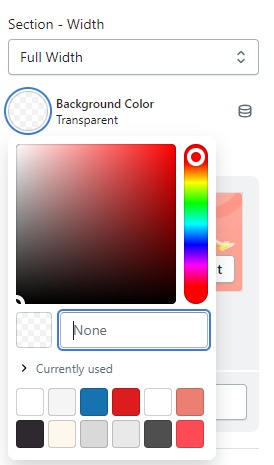
Firstly, in the “Section – Width” part, you can customize the display width for your sections according to your preferences. Additionally, you have the option to change the background color for that particular section.
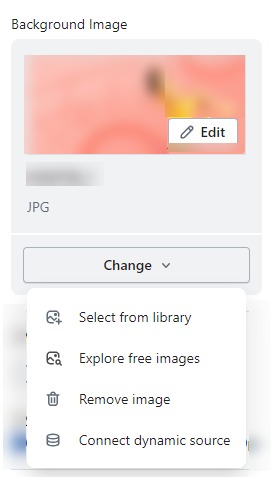
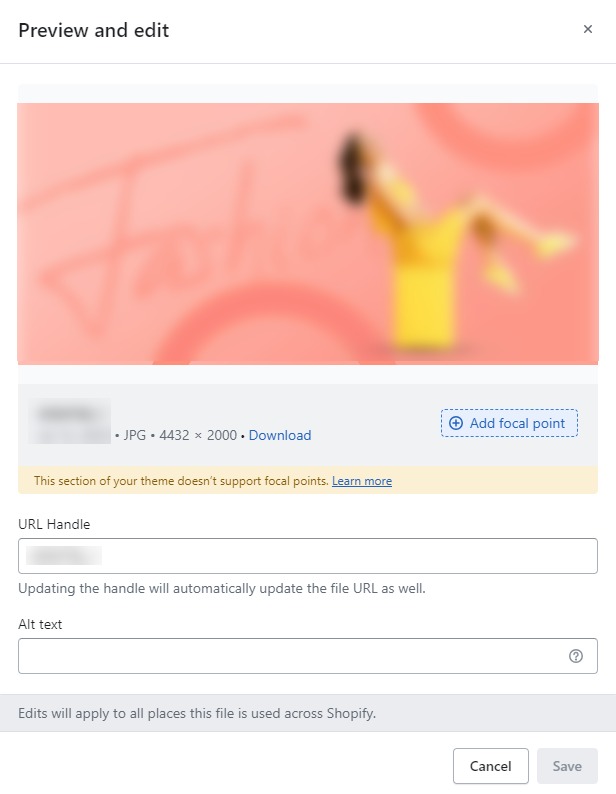
Background Image
Next, in the “Background Image” section, you can upload an image and edit it according to your needs.
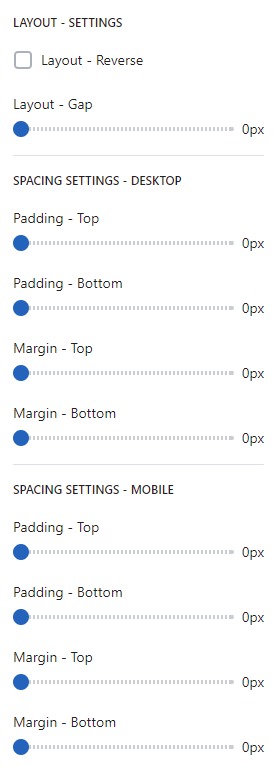
Layout – Setting
Lastly, in the “Layout – Setting” section, you can customize the spacing as per your preferences by dragging the blue dots on the bar to adjust the spacing accordingly.